EQ
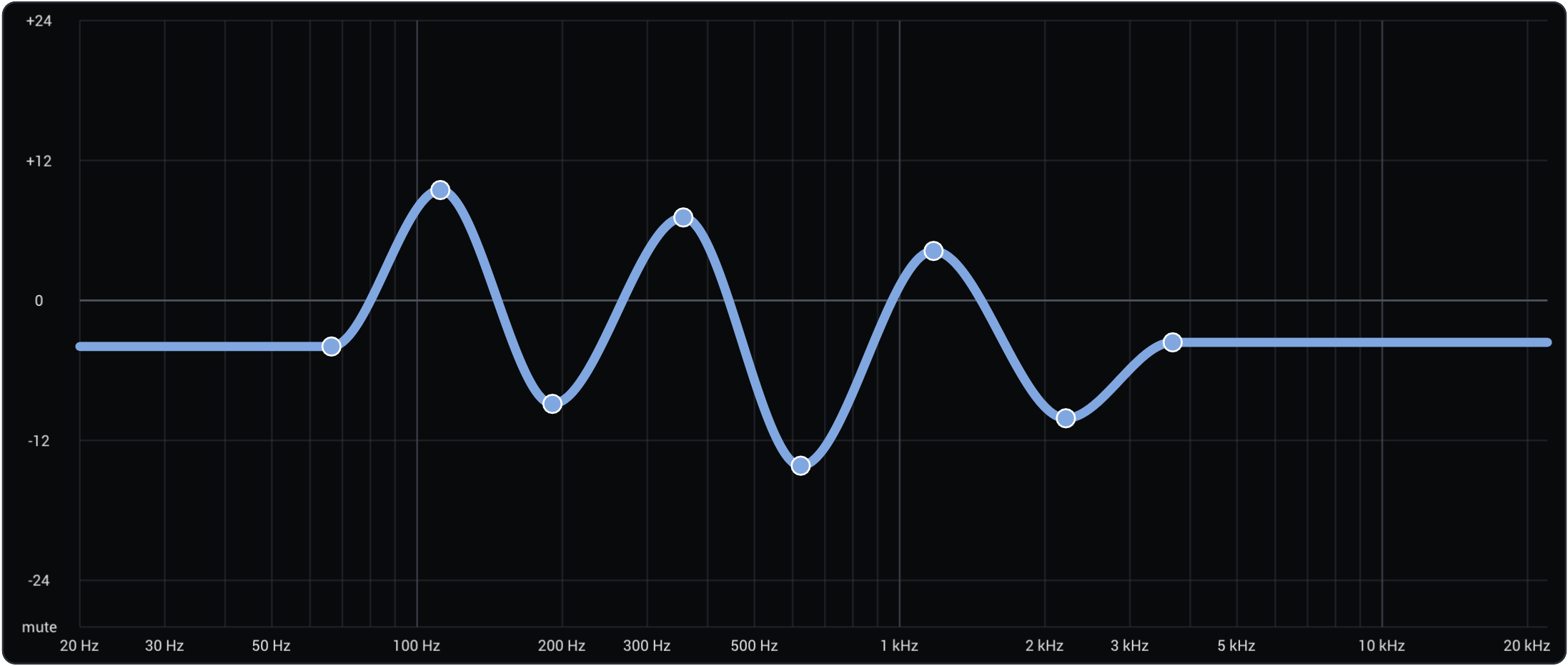
The EQ tab in the editor lets you draw a frequency-response curve that is applied to the synthesised sound. The curve is defined by a set of control points — you can drag existing points to reshape it, and add/remove points by double-clicking. The curve is smoothly interpolated between points using a monotone spline, and it is flat outside the leftmost and rightmost points.
Unlike the per-harmonic settings, the EQ curve is anchored to absolute frequencies rather than to the pitch of the note. This means a peak at 800 Hz stays at 800 Hz regardless of whether you are playing a low note or a high note.
Formants
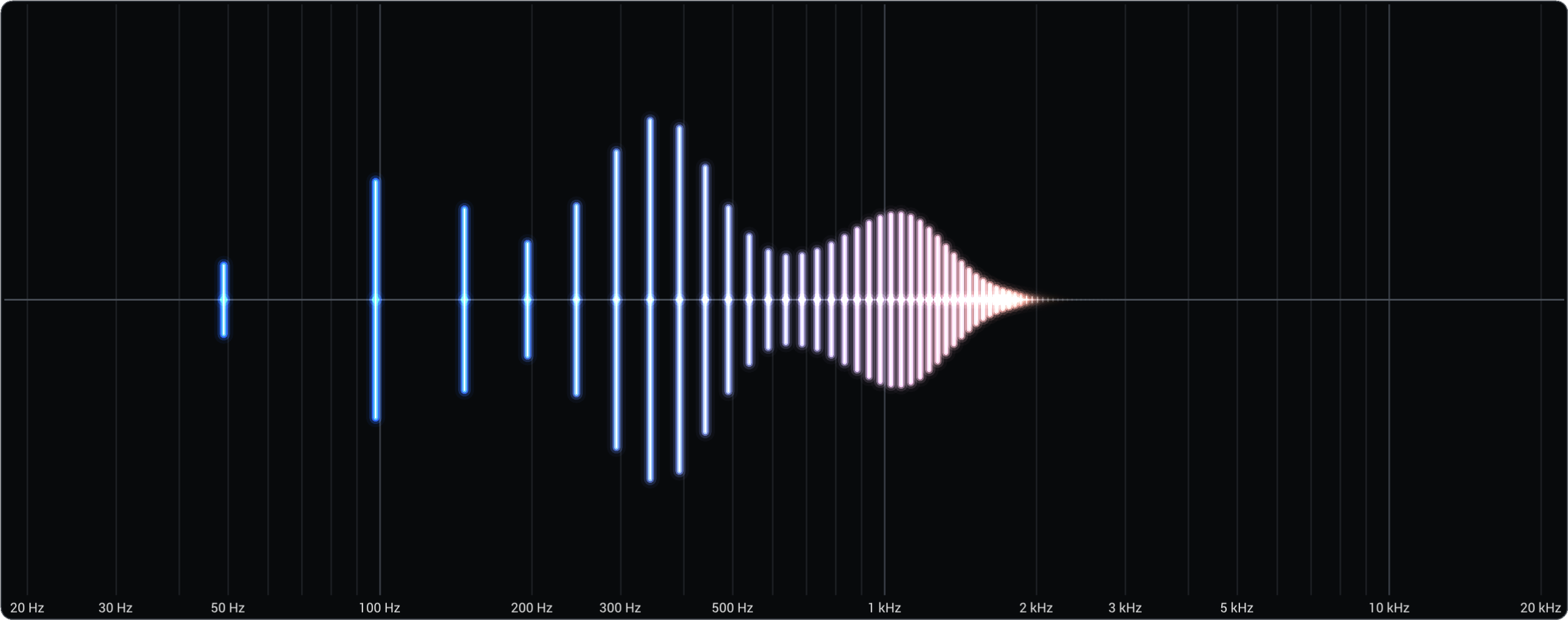
A formant is a resonant peak in the frequency spectrum — a band of frequencies that the sound emphasises. Formants are what give acoustic instruments and the human voice their characteristic timbre. For example, the difference between a saxophone and an oboe comes in part from where their formants sit in the frequency spectrum.
In real instruments, formants arise from the physical resonances of the instrument. Because these shapes are fixed, the formants stay at roughly the same frequencies even as you play higher or lower notes. Addivox's EQ works the same way: keeping the curve fixed in frequency lets you shape formants that behave like those of a real instrument.
Adding one or more EQ peaks can dramatically change the timbre of a patch. The All notes toggle (see Key Notes and Interpolation) is particularly useful here — it lets you set a single EQ curve that applies across all key notes at once, which is usually what you want for formants.