Demo version
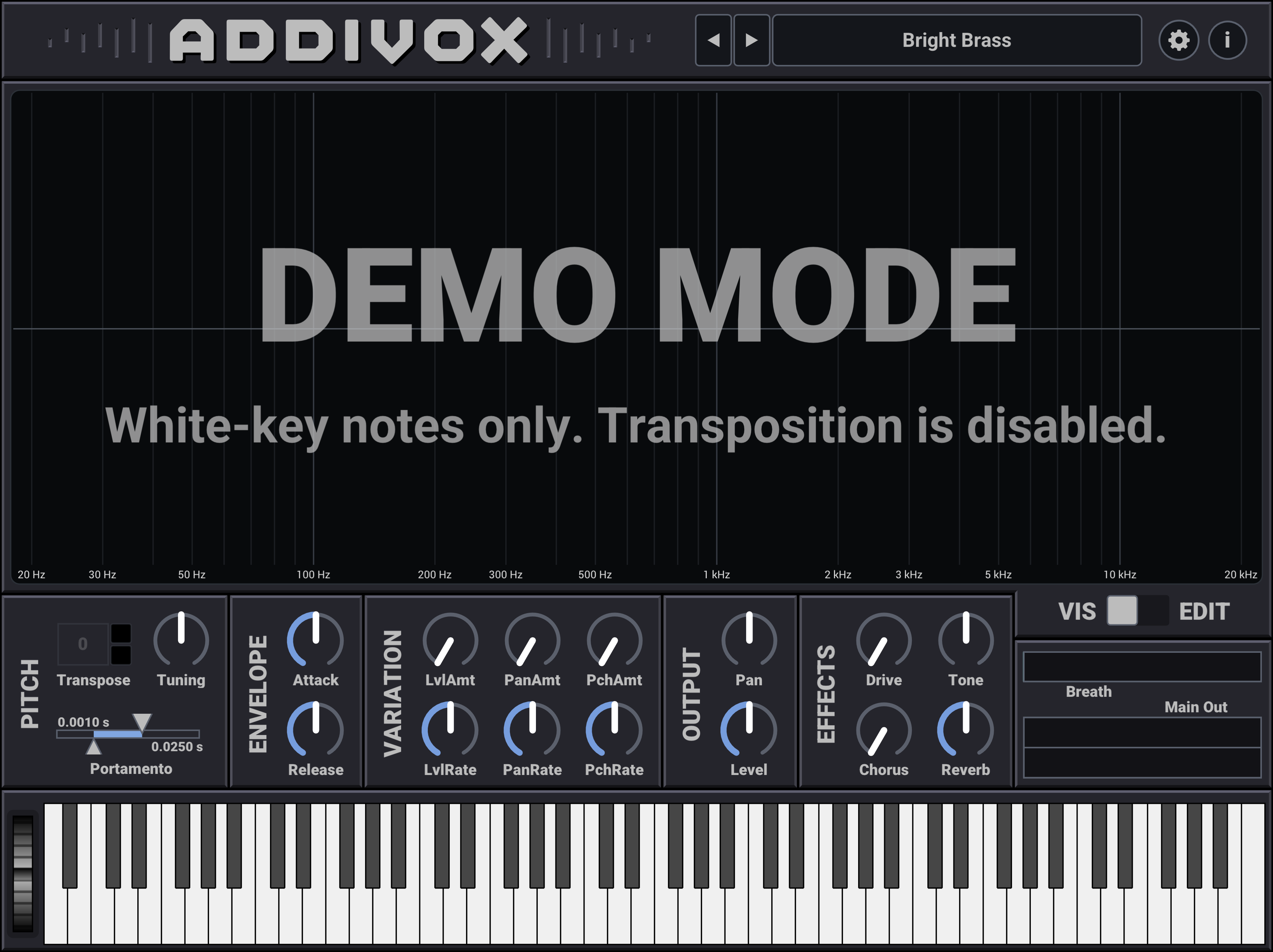
The demo version of Addivox is available for all of the same app and plugin formats as the full version of Addivox.
It has full functionality except:
- It will only play white-key notes (e.g. C major).
- Transposition is disabled (since that could be a partial workaround of the white-note-only limitation).
Before purchasing Addivox, I would encourage you to try the demo version. This will let you test whether it works on your computer and DAW, and whether you like the sound.
You can download the demo version of Addivox from the GitHub releases page, and here are direct links to the zip files:
AddivoxDemo_v1.1.0_macOS.zip
AddivoxDemo_v1.1.0_Windows.zip
After downloading, see the Installation – macOS or Installation – Windows page for instructions on how to install the demo version of Addivox.
After purchasing
The demo version is named AddivoxDemo, so it can be installed alongside the full version of Addivox without the two conflicting. After buying the full version, however, most users will probably want to uninstall the demo version.
If you created custom patches in the demo version, copy them from the demo patch folder to the full-version patch folder. See Patches for the patch folder locations.