Effects
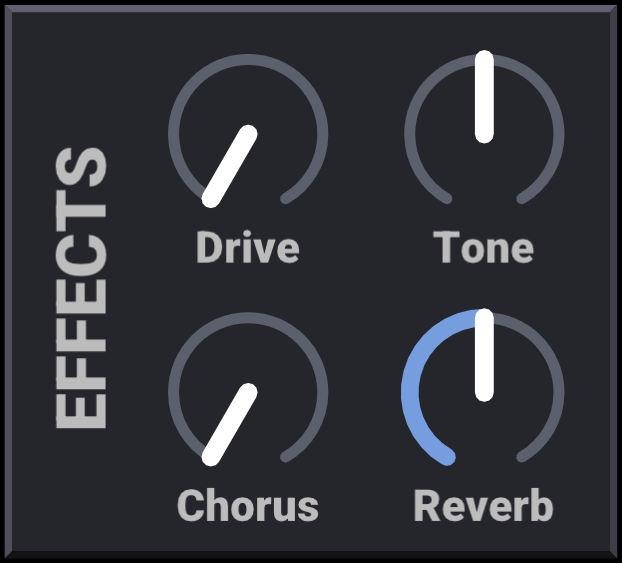
Addivox includes a small set of effects for shaping the final sound:
- Drive is a soft saturation effect. It blends in an oversampled tanh-style waveshaper, with more gain, bias and smoothing as the control increases. Low settings add warmth; high settings become more obviously distorted.
- Tone is a tilt EQ. Negative values make the sound darker by emphasising lower bands, while positive values make it brighter by emphasising higher bands.
- Chorus is an 8-voice stereo chorus. It uses short modulated delays, filtered wet signal and spread-out panning to widen and thicken the sound.
- Reverb adds synthetic room ambience. Low settings are shorter and more early-reflection focused. High settings add longer pre-delay, a longer tail, more modulation and a wider late field.
Unlike the rest of Addivox, which operates on a per-harmonic oscillator basis, these effects are applied to the final stereo waveform after synthesis. They are applied in the order listed above: drive first, then tone, then chorus, then reverb. Using effects (any setting other than 0) will increase Addivox's CPU usage.
Drive, tone and chorus are saved in patches (see Patches). Reverb is a persistent control, so it holds its value when patches change.
These are simple one-knob effects, intended mainly to give the standalone versions of Addivox a finished sound. When using Addivox as a plugin in a DAW, you may prefer to leave them off and use dedicated effects plugins instead. For that reason, reverb defaults to 50% for standalone versions of Addivox and 0% for plugin versions of Addivox.